
Welcome! It is easy to make your escrow payment with us.
ePay: The Easy Way to Pay
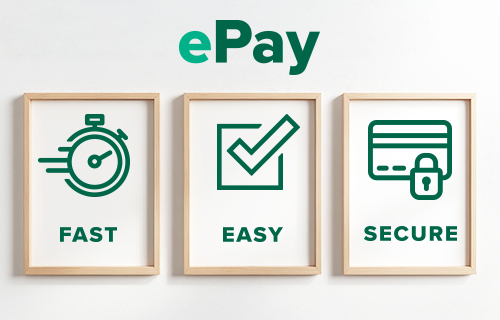
New this year - make your payment online with our new ePay Payment Portal! It's fast, easy, and secure.
Payment methods:
- Debit Card
- Bank Account
Please note: Debit cards may be used, but credit cards cannot be used.
Other Ways to Pay
If you prefer not to pay with ePay, please know when paying your escrow shortage, we accept payments four ways:
- Digital Payment inside Digital Banking*:
- Log into Digital Banking
- Click ‘Move Money’
- Click ‘Pay Loans’
- Select your ‘From’ & ‘To’ accounts
- Under ‘Payment Type’ select ‘Escrow Only Payment’
- Enter the payment Amount (shortage amount can be found in the Annual Escrow Projections for the Coming Year paragraph towards the end of your statement).
- Verify the payment date & click ‘Submit’
- ePay: Make a digital payment using our ePay payment portal: click the green 'ePay Now' button above.
- ACH Authorized Payment: click the blue ‘ACH Payment’ button below, and make your shortage payment from a non-Bank of Washington bank account.
- Branch: visit us at any of our branch locations and submit a check for your escrow shortage referencing ‘escrow shortage’ in the memo line.
Prefer to authorize an ACH payment like in the past? Click here: ACH Payment
* Please note: If you are a Bank of Washington Digital Banking user, do not make an escrow payment utilizing Pay Bills or Transfer. These payment types will post to your account as a regular loan payment and will not be applied to your escrow account.